How to pick the right prototyping software: quick help for freelancers and clients
 Mark Petrenko
 What is prototyping software — and why it matters for freelancers and clients
Prototyping software turns screens and flows into clickable, testable models — anything from paper-wireframe scans to near-production interactions. In plain terms, it helps you show how an app or website will work before a single line of final code is written.
Prototypes come in different levels of fidelity:
- Low-fidelity: sketches or simple wireframes to validate navigation and basic flows.
- Medium-fidelity: clearer visuals and basic interactivity to test usability and copy.
- High-fidelity: polished visuals and production-like interactions for stakeholder demos or investor pitches.
For freelancers and clients, a prototype’s main jobs are practical: test ideas with users, validate key flows with stakeholders, and speed up handoff to developers so the team avoids expensive rework. Teams that prototype early typically catch major usability problems before development starts, which reduces costly delays and revisions (see UXPin for design evidence).
Main types of prototyping tools and who they fit (freelancer-friendly guide)
Not every tool fits every project. Here are approachable categories and the typical fit for freelance work.
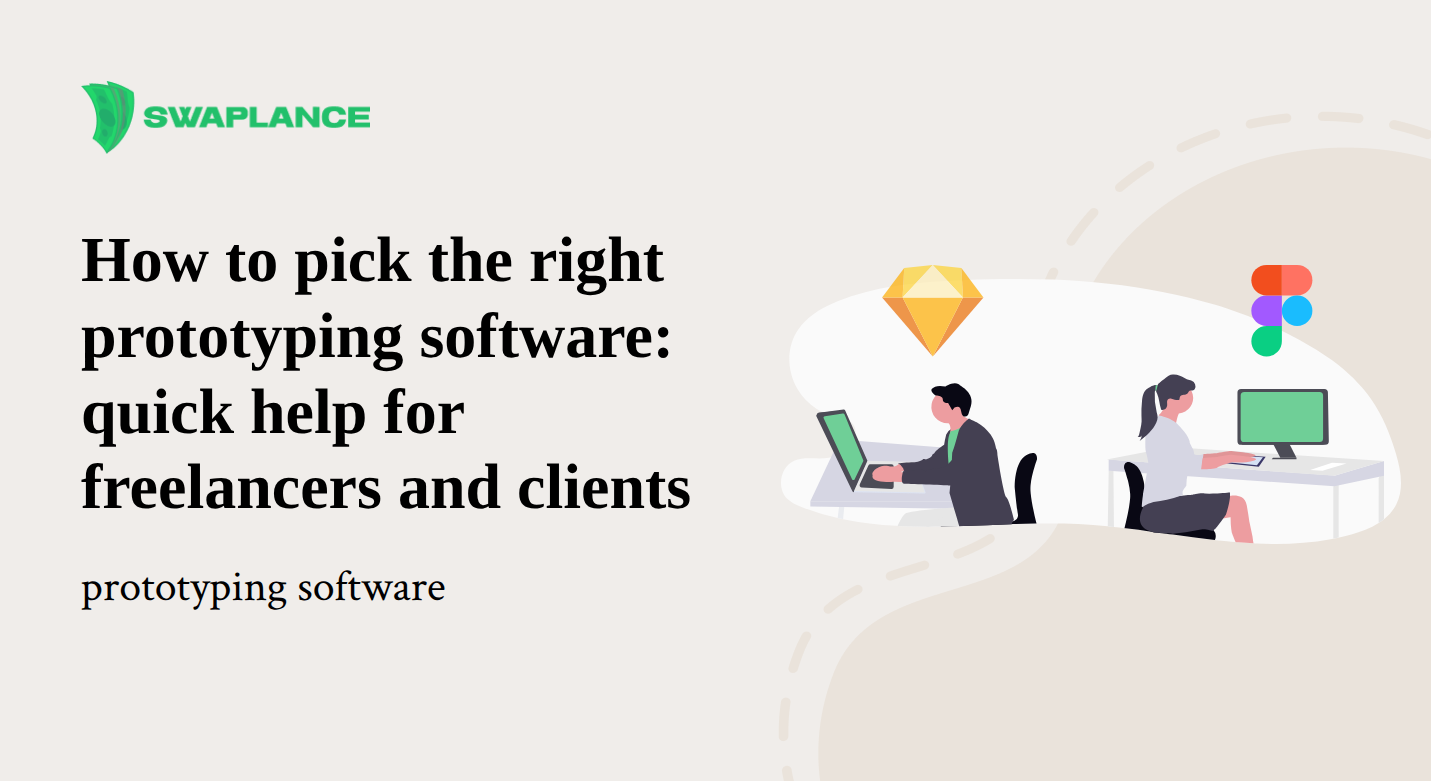
- Collaborative cloud design (e.g., Figma) — Great for remote client work and real-time feedback. Skill level: beginner→intermediate. Trade-off: fewer native advanced interactions without plugins or add-ons.
- Desktop vector editors (e.g., Sketch on macOS) — Good for designers who prefer macOS-first workflows and deep plugin ecosystems. Skill level: intermediate. Trade-off: collaboration needs external services for real-time sharing.
- Interactive animation tools (e.g., Principle, Origami Studio) — Use when motion and micro-interactions are central. Skill level: intermediate→advanced. Trade-off: steeper learning curve and not ideal for rapid sharing with non-designers.
- Code-backed prototyping (e.g., UXPin, Axure) — Best for production-like interactions, conditional logic and complex states. Skill level: intermediate→advanced. Trade-off: slower to set up but reduces ambiguity at handoff.
- Low-fidelity wireframing (e.g., Balsamiq, Marvel) — Fast, beginner-friendly tools for early validation or quick investor demos. Skill level: beginner. Trade-off: visuals are intentionally rough, so they’re not for final demos.
Practical suggestion: if you need a clickable MVP to impress investors quickly, choose a cloud tool with easy sharing (Figma or Marvel). If you must demonstrate conditional flows, testing states, or hand off ready-to-build specs, consider a code-backed approach like UXPin or Axure.
How to choose the right prototyping software — a quick checklist for hiring or freelancing
Use this short checklist to pick a tool fast:
- Collaboration: Will stakeholders view or edit the file in real time?
- Fidelity/Interactions: Do you need simple click-throughs or conditional, production-like logic?
- Budget & licensing: Is a free tier enough or do you need team licences?
- Platform: Web-based (cross-platform) or macOS-only?
- Learning curve: Can you learn a tool quickly for one sprint, or is training time available?
- Developer handoff: Do you need exports, design tokens, or code snippets?
Decision flow (scan this): if stakeholders must edit → pick a web/collab tool (Figma). If you need advanced logic or fidelity for handoff → choose code-backed (UXPin/Axure). If speed and low cost matter → start with a free Figma plan or Marvel/Balsamiq and validate the concept.
If you decide hiring is faster than learning a new tool, Swaplance connects you with vetted freelancers who already use prototyping tools like Figma, UXPin and Proto.io — a low-friction way to find someone who can deliver a clickable prototype on a tight timeline.
A simple freelance prototyping workflow (how to deliver a prototype in a week)
Want to advertise a one-week sprint or hire someone who can deliver fast? Here’s a compact, time-boxed workflow that focuses on value.
- Day 1 — Brief & flows (2–4 hours): Clarify goals and identify the single critical user task (e.g., sign-up + first purchase). Agree success criteria.
- Days 2–3 — Wireframes (1–2 days): Create low/medium-fidelity screens for only the critical flows; use real content where possible.
- Day 4 — Interactive prototype: Build clickable screens and key transitions in chosen tool (Figma, Marvel, UXPin).
- Day 5 — Quick testing & iterate: Test with 3–5 representative users or stakeholders, record short sessions, and apply quick fixes.
- Days 6–7 — Polish & handoff: Finalise visuals for demo, package assets and export dev-ready specs or components.
Practical tips: prototype only the critical flows (don’t build every screen), use component libraries to speed work, and record a short demo video for stakeholders who don’t open the prototype themselves. For Figma-specific quick builds see a step-by-step example in this short Swaplance walkthrough on building a Figma prototype in under an hour.
Freelancer positioning: advertise a Swaplance profile that lists the one-week prototype sprint deliverables (for example: X clickable flows, 1 short usability report, and developer handoff assets). Fixed-scope offers like this help clients buy confidently and let you standardise pricing.
Top picks for freelancers and clients — quick recommendations
- Figma — Best for freelance collaboration and remote client work; generous free tier and easy sharing across platforms.
- Marvel / Balsamiq — Best for fast, simple prototypes and early validation with low learning curves.
- UXPin / Axure — Best when you need production-like interactions, conditional logic or advanced handoff details.
- Principle / Origami Studio — Best for motion-heavy prototypes where micro-interactions matter.
Try free tiers first to confirm the workflow and export options that matter to your project before committing to a paid plan.
Final takeaway — pick the smallest tool that solves the job
Match the tool to your immediate need: quick investor demo → cloud click-through; user testing → medium-fidelity flows; developer handoff → code-backed or export-ready specs. If time is tight, hiring a freelancer with a clear one-week prototype offer on Swaplance can be the fastest route to a usable prototype and trustworthy handoff.
Common questions
-
What is the best prototyping software for freelancers on a tight budget?For most freelancers on a budget, web-based tools with free tiers like Figma or Marvel deliver the best mix of collaboration and sharing. Start with the free plan to test workflows and confirm export/handoff options before upgrading.
-
Do I need a high-fidelity prototype before talking to developers?You don’t usually need a high-fidelity prototype to start developer conversations; a medium-fidelity clickable prototype that shows flows and edge cases is often enough. Save high-fidelity polish for investor demos or when you must validate visual design decisions.
-
Can modern prototyping tools export production-ready code?Some tools can generate code snippets or design tokens, but rarely a finished, production-ready app without developer work. Use code-backed tools (UXPin, Axure) to reduce ambiguity, but expect engineers to translate prototypes into maintainable code.
-
How long does it usually take to build a usable app prototype?A focused prototype that validates a single critical flow can be built in about a week using a time-boxed sprint (brief, wireframes, prototype, quick tests, handoff). Broader prototypes covering many user journeys will take longer depending on scope and fidelity.